Backup and Transferring your AI Data
AI Data Risk: Why You Should Never Store Everything in One Platform
Your AI Platform is Not a Storage Vault - Stop Treating It Like One
There's a pattern I see with businesses and myself when getting serious about AI. It always goes the same way.
You start with a few prompts. A quick draft here, a bit of research there. Then you discover custom instructions, projects, uploaded documents. You refine your prompts. You build workflows. You start generating real outputs - proposals, content, process documents, competitive analysis.
The prompts and outputs and ideas scale as quickly as the technology itself. And before you know it, you have notes, prompts, templates, system instructions and half-finished workflows everywhere - and nowhere - except buried inside your AI platform's chat history.
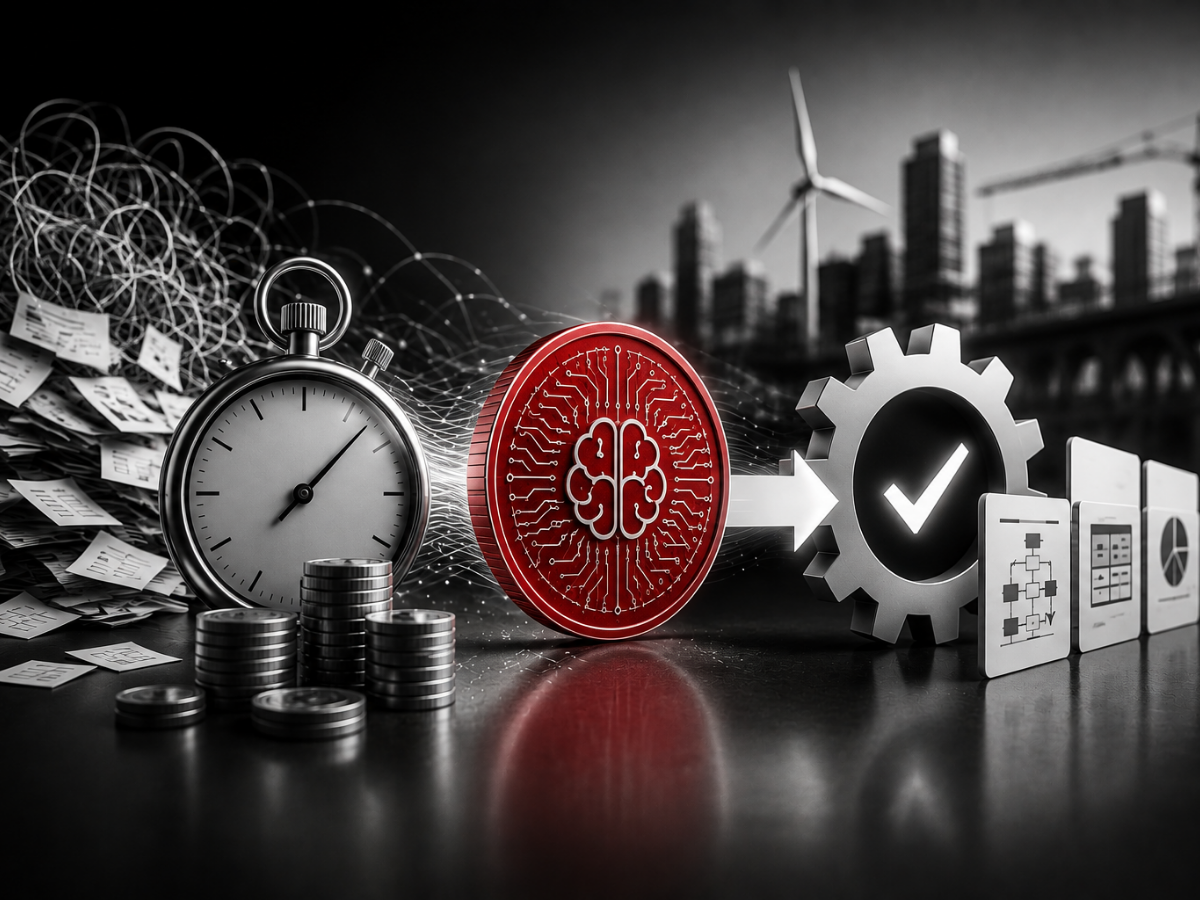
That's not a system. That's a single point of failure.
This article explains why treating your AI platform like a storage vault is a risk your business can't afford - and gives you a practical framework and suggested tools for keeping your AI knowledge safe, organised and portable.
The Risks You're Not Thinking About
Right now, there's a wave of users migrating between AI platforms. People are switching from ChatGPT to Claude for political reasons given the recent stand off with the Department of War. Gemini is growing fast - its web traffic share jumped from 5.7% to 21.5% in just 12 months. New tools are appearing constantly. And every time someone switches, the question is the same: what happens to everything I built inside the old platform?
It's a question worth asking, because the risks are bigger than most people realise.
Platform viability
The AI market is young, volatile and burning cash at a staggering rate. OpenAI's own internal forecasts predict a $14 billion loss in 2026 - roughly three times worse than 2025. Financial analysts have warned the company could run out of cash by mid-2027. They've started introducing ads into ChatGPT - something the CEO once called a "last resort."
This isn't just an OpenAI story. The entire AI sector is navigating enormous infrastructure costs, uncertain revenue models and intense competition. Platforms can pivot, restructure, merge or fold. None of them are guaranteed to exist in their current form in three years' time.
Infrastructure and cyber risk
We live in a volatile world. Political instability, financial uncertainty and an escalating cyber threat landscape all play a part. The UK's National Cyber Security Centre handled 204 nationally significant cyber incidents in 2025 - more than double the previous year. High-profile outages at AWS, Cloudflare and Microsoft Azure disrupted millions of users globally at the end of 2025. Data centres are not immune to cyberattacks, power failures or physical events - and the AI platforms you depend on sit inside those same data centres.
Terms of service and vendor lock-in
Platforms can change how they handle your data at any point. Privacy policies shift. Features get removed. Pricing restructures overnight. The more you build inside one platform - your prompts, your projects, your documents, your workflows - the harder and more painful it becomes to move. Or to work across two or three platforms, which is increasingly what serious AI users need to do.
You wouldn't store your only copy of production drawings inside a single machine on the shop floor. If that machine goes down, you've lost the lot.
Your AI platform is no different.
FAQ
Is my data safe inside an AI platform?
It depends on the platform and your settings. Most platforms don't guarantee permanent storage of your conversations or files. Some use your data for model training unless you opt out. No platform currently offers automatic, scheduled backups of your work. The safest approach is to treat any AI platform as a temporary workspace, not permanent storage.
Memory vs Context - A Quick Clarification
There's a common misunderstanding here that's worth clearing up quickly.
Most people assume their AI platform "remembers" everything from previous conversations. It doesn't. AI platforms have two separate systems: memory and context. Memory is a small set of personalisation notes stored between sessions - your name, your preferences, maybe your role. It's limited and selective. Context is the much larger window of information the AI can work with during a single conversation - the documents, instructions and data you provide in that session.
The practical point is this: to get the most from the context window - which is where the real power sits - you need well-organised, up-to-date knowledge files that you can bring in and out of sessions and update as your business evolves. System instructions, prompt libraries, brand guides, process documents - all stored outside the platform, ready to be loaded when needed.
Your AI memory is not a substitute for proper knowledge management. We'll cover how to retrieve, influence and manage your AI memory settings in more detail in a future article. For now, know that your memory data can be exported too - and the download guide below covers how.
Tools for Organising Your AI Knowledge
Once your AI use ramps up, you need a proper system for storing everything it produces. Here are three approaches, depending on how far along you are.
Manual copy and paste
The simplest option. After any significant AI session, copy your key outputs, refined prompts and useful responses into your existing filing system. It costs nothing and it works. The key is building the habit - treat it like saving your work on any other tool.
Platform connectors and integrations
Most AI platforms now offer integrations with cloud storage and productivity tools. Connect your AI workspace to Google Drive, OneDrive, SharePoint or Dropbox so that project files and outputs sync where possible. Check your platform settings for available connectors - these vary by plan and provider. Some platforms also allow two-way syncing, meaning changes in your cloud storage can feed back into your AI projects.
Linked note-taking systems
For anyone whose AI use has moved beyond casual prompting, dedicated note-taking platforms offer something flat file structures like Google Docs or Microsoft Office simply can't - multi-dimensional linking between ideas, notes, prompts and outputs.
Two platforms stand out:
Obsidian - a local-first knowledge base that stores everything as plain markdown files on your own machine. You own your data completely. Notes link to each other, creating a web of connected knowledge rather than a stack of isolated documents. Strong for individual users and anyone who values data ownership.
Notion - a cloud-based workspace that combines documents, databases, wikis and project management. Excellent collaboration features and a solid option for teams who need shared access to AI knowledge.
Both platforms let you build a connected knowledge system where your prompts link to your outputs, which link to your process documents, which link to your system instructions. It's the difference between a filing cabinet and a wiring diagram - everything connects, and you can trace the thread from one idea to another.
This kind of structure is particularly valuable when you start working across two or three AI platforms - which, as your usage matures, you almost certainly will. Having your knowledge stored centrally means you can load the right context into whichever platform you're using for that particular task.
A Suggested Structure for Your AI Knowledge Base
Whether you use Obsidian, Notion or another tool, here's a folder and tag structure to get you started.
Core folders
- Prompts - master prompts, templates, tested and refined prompts
- Outputs - key AI-generated content worth keeping
- Workflows - step-by-step AI processes for repeatable tasks
- System Instructions - custom instructions, project briefs, personas, style guides
- SOPs - standard operating procedures that involve AI steps
- Ideas and Research - raw thinking, AI-assisted brainstorms, research outputs
Tagging system
- By platform: #chatgpt #claude #gemini
- By status: #draft #tested #approved #archived
- By use case: #content #sales #proposals #strategy #operations
- By project or client name
The tags let you search across folders. The folders give you structure. The links between notes give you context. Together, it's a proper system - not a graveyard of forgotten chat threads.
FAQ
Do I need a separate tool or can I use Google Drive?
You can use what you already have. The advantage of tools like Obsidian or Notion is the ability to link notes together, creating connections between related prompts, outputs and processes. If your AI use is light, your existing cloud storage works fine. If you're building workflows, system instructions and reusable prompt libraries, a linked system will save you significant time as your AI adoption matures.
Backing Up and Transferring Your AI Data
This is the practical bit most people skip entirely. And it matters, because no AI platform currently offers a regular, automatic backup system for your work. There is no "set it and forget it" option. You need to build your own backup routine.
Every major AI platform lets you export your data - conversation history, custom instructions, uploaded files and memory settings. The problem is that the process is different for each platform, the settings are buried in menus, and most people don't know what to ask for or how to find it.
Here's what you should be backing up regularly:
- Conversation history - or at minimum, the conversations containing valuable outputs
- Custom instructions and system prompts
- Project files and uploaded documents
- Memory data - the personalisation notes your platform has stored about you
- Any custom GPTs, Gems or Projects you've built
You should also know how to transfer this information between platforms. If you switch from ChatGPT to Claude, or add Gemini alongside your existing tools, you want to be able to rebuild your setup quickly rather than starting from scratch. And if you're working across multiple platforms - which serious users increasingly do - having a central knowledge store means you're never locked in and never exposed.
We're putting together a practical download guide that covers exactly this - platform by platform backup instructions, the right settings to check, the prompts you need to retrieve and export your data, and how to manage your memory settings across ChatGPT, Claude and Gemini.
Download: The AI Backup and Transfer Guide [Link to the Guide attached for now]
FAQ
How often should I back up my AI platform data?
Monthly at minimum. If you're actively building custom instructions, uploading documents or creating projects within a platform, back up after every significant update. Keep a version-controlled folder so you can rebuild your setup on any platform within a day. Treat it like any other maintenance schedule - because right now, no one else is doing it for you.
What This Means for Your Business
If you're an MD or operations director reading this, none of this is about being anti-AI. It's about applying the same operational discipline to your AI tools that you already apply to your production systems.
You'd never run your manufacturing process on a single supplier with no backup plan. You'd never store your only copy of a critical specification inside a machine you don't own. You'd never build a production line around equipment that might not be available next year.
Apply the same thinking here.
The businesses getting the most from AI are the ones treating it as a tool within their system - not the system itself. They back up their work. They organise their knowledge. They can switch platforms, work across multiple tools, or rebuild their setup in a day if they need to. That's not paranoia - it's basic operational discipline applied to a new technology.
Summing up
Your AI platform is a workshop tool, not a filing cabinet. Use it hard, get value from it, build your skills and your workflows - but keep your knowledge, your data and your intellectual property where you control it.
Back up. Organise. Secure. And build your own system around the AI, not inside it.
A well-maintained system doesn't rely on a single component - it's designed so that no one part can bring the whole thing down.
Ready to build AI into your business the right way? Book a free strategy audit and we'll help you systemise your AI adoption with the right guardrails in place.
Want Help with AI? We have training, mentoring, strategy and do if for you services - see more here...
SME AI Services
Written by
Stefan Buss, founder of Sales & Marketing Engineers. With a background in industrial engineering and a practical approach to AI adoption, Stefan helps technical SMEs build systems they can control and trust.